Turn voice notes into
clear, useful notes.
Think out loud and leave with clear notes. Record, upload audio, or paste text. Notewarp keeps the transcript and turns one capture into summaries, action items, drafts, tags, exports, and shareable notes.

Available on
- iPhone
- iPad
- Mac
- Web


Capture now. Shape it later.
Start messy. Notewarp keeps the source, removes the filler, and gives every idea a useful next form.
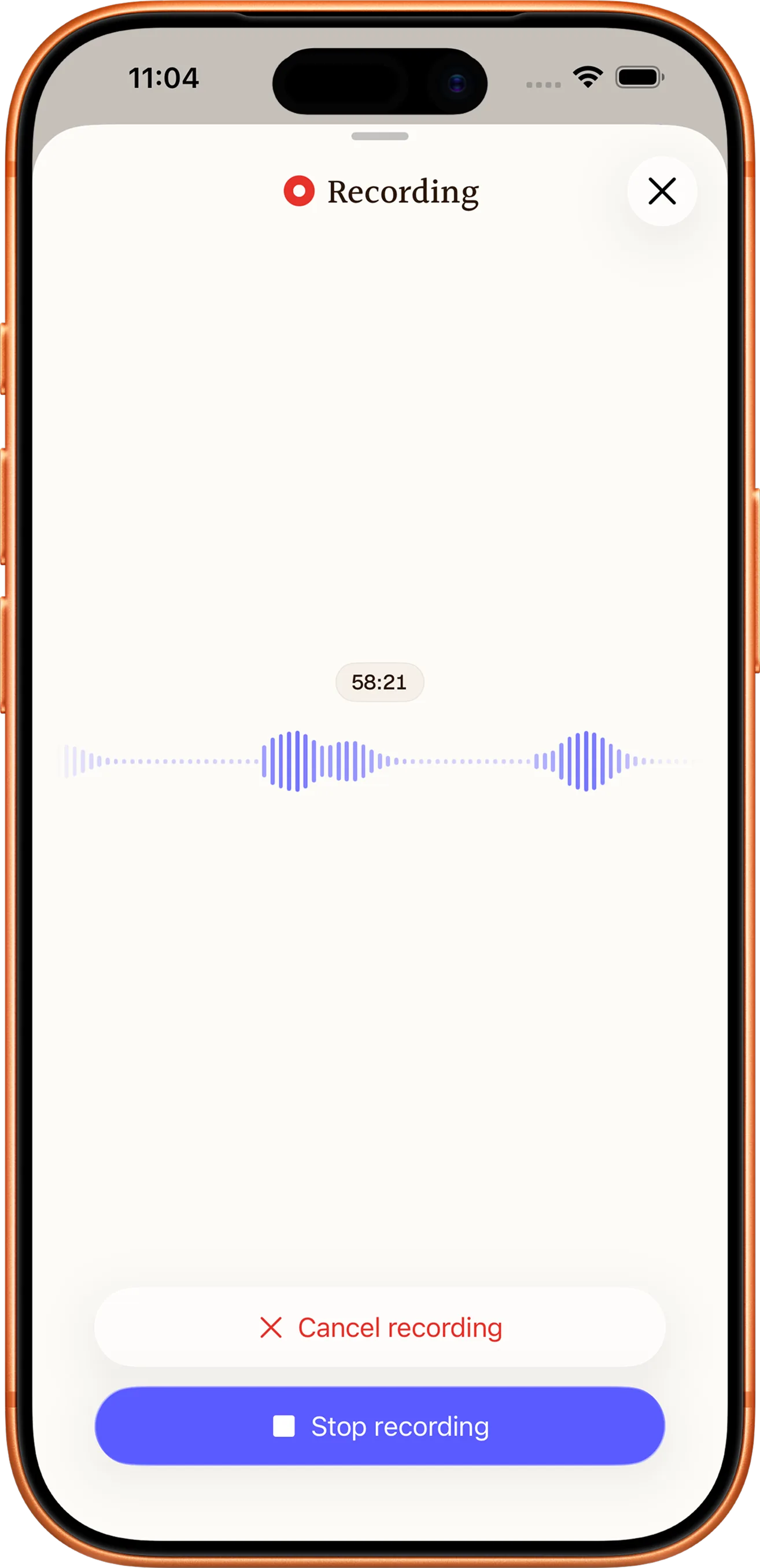
Capture
Record, upload, scan, link, or write.
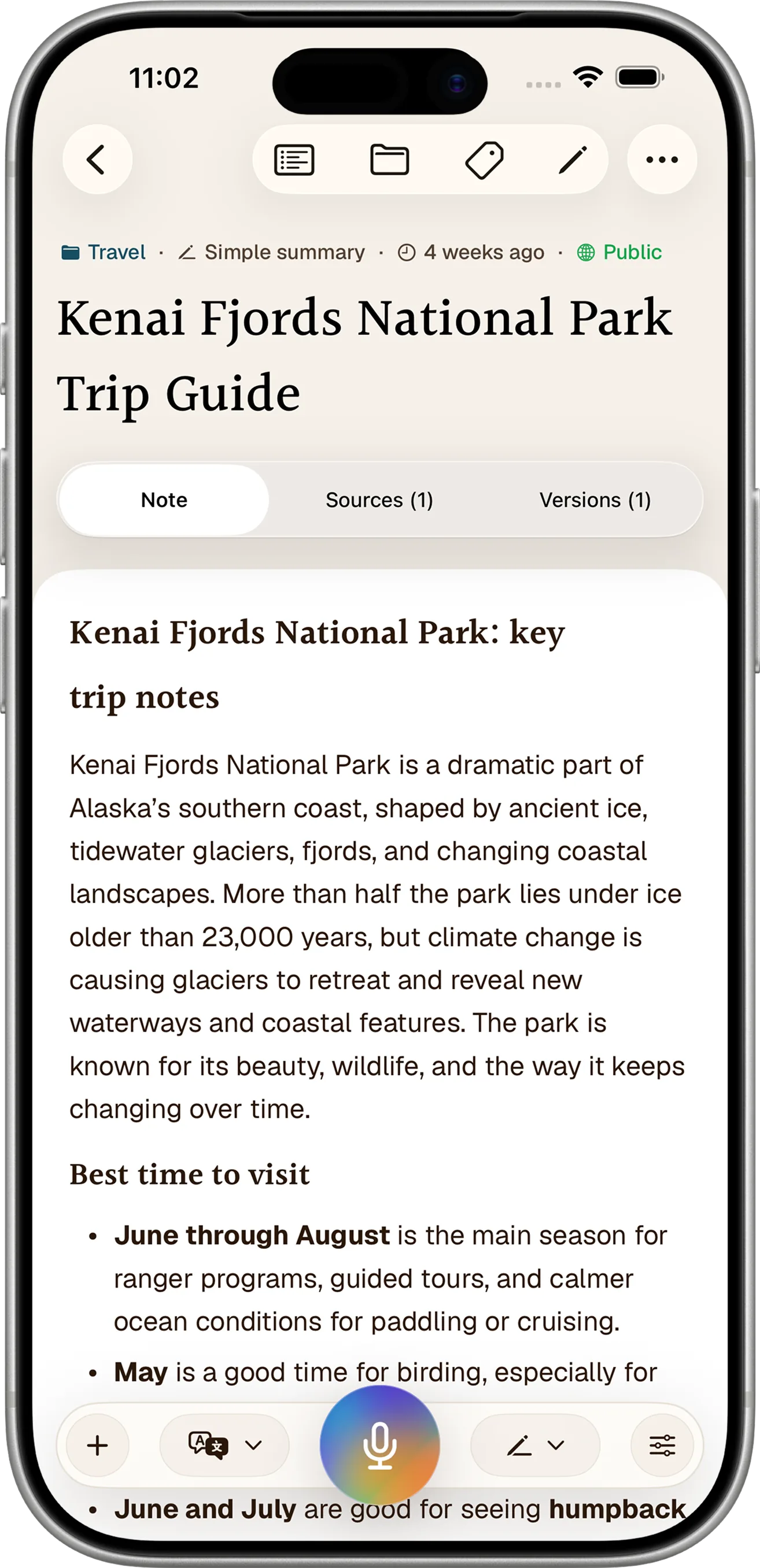
Clean
Keep the meaning. Lose the ramble.
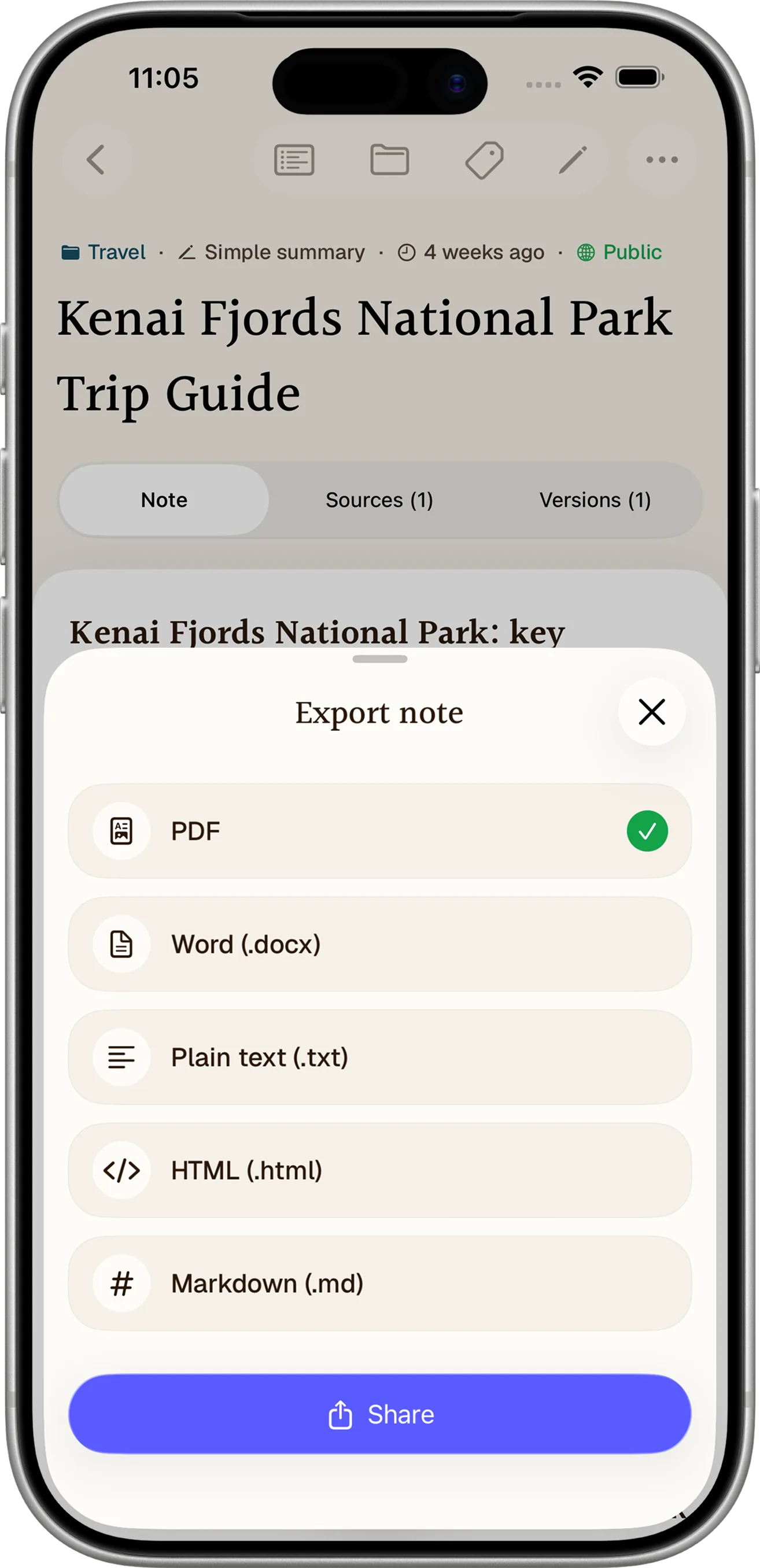
Use
Search, restyle, export, or share.
Features
One capture becomes anything useful.
Record, upload, or paste once. Then clean the words, pick a format, search the source, export the result, or share the version that fits the moment.
Record every thought
Capture long-form audio in the moment and keep the original recording attached to the note.
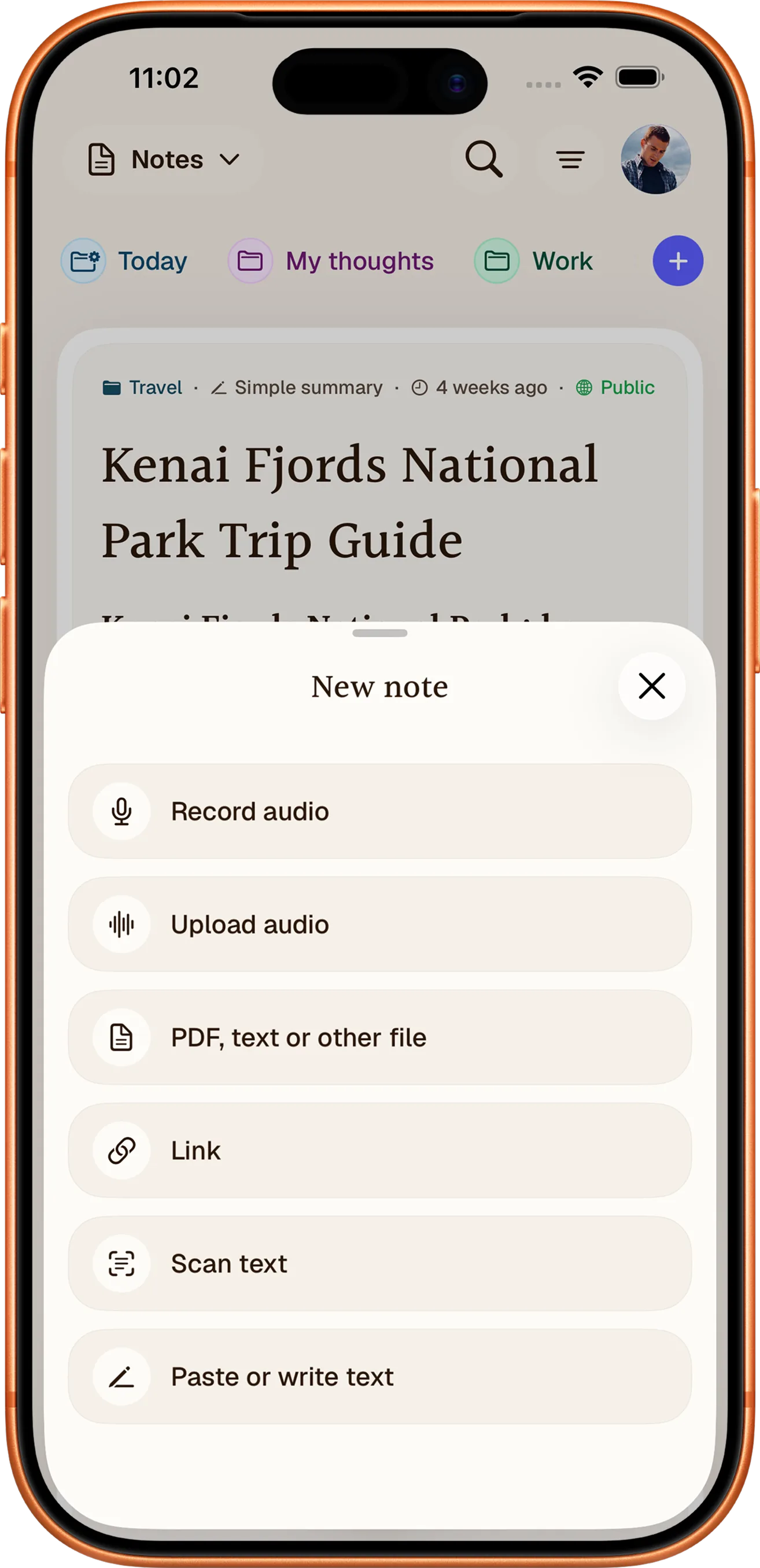
Start from anything
Record or upload audio, import a file or link, scan text, or paste and write your own.
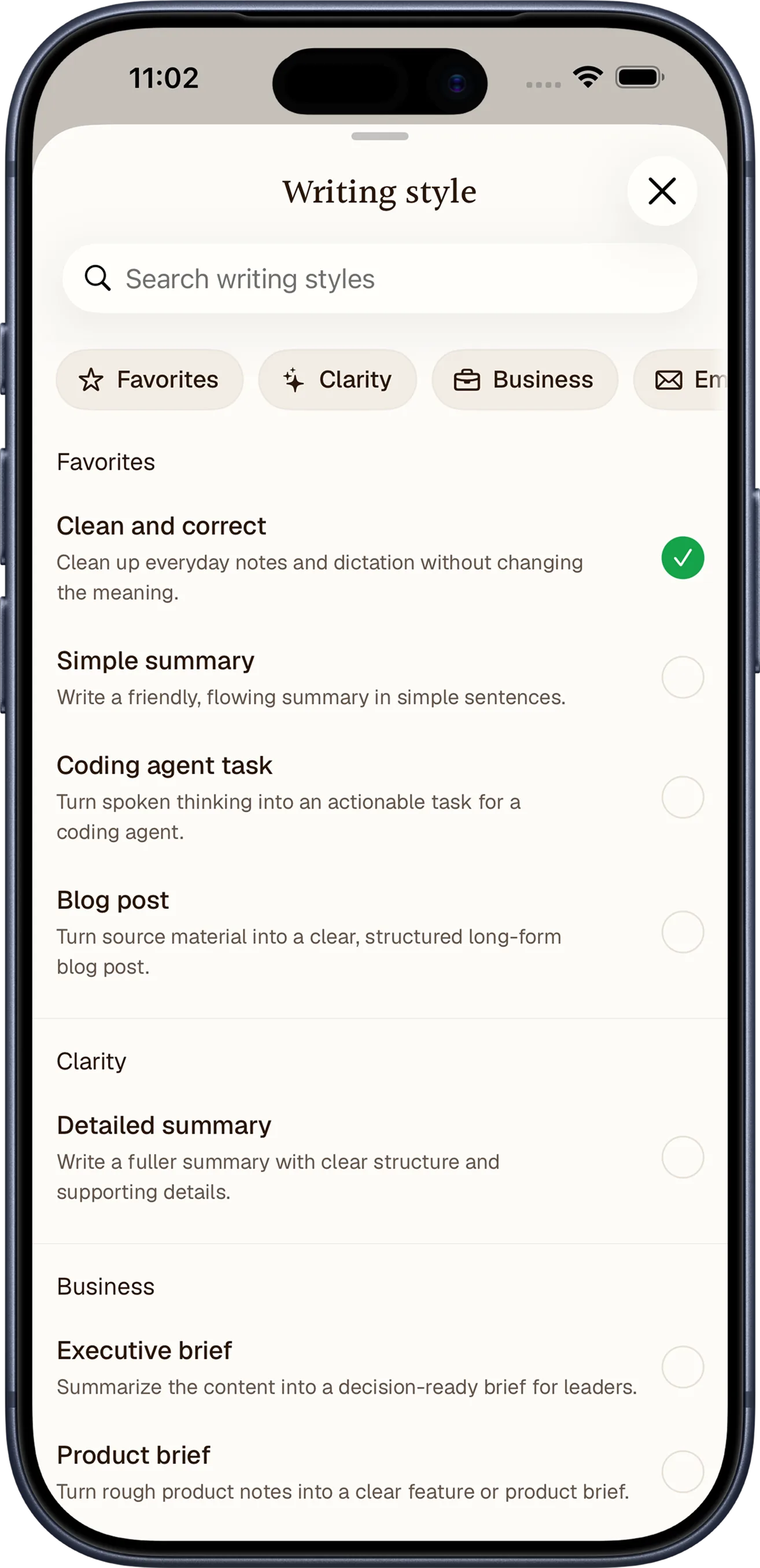
Shape the writing
Turn one capture into a clean note, summary, executive brief, blog post, or a style you save.
Export your way
Save or share notes as PDF, Word, plain text, HTML, or Markdown.
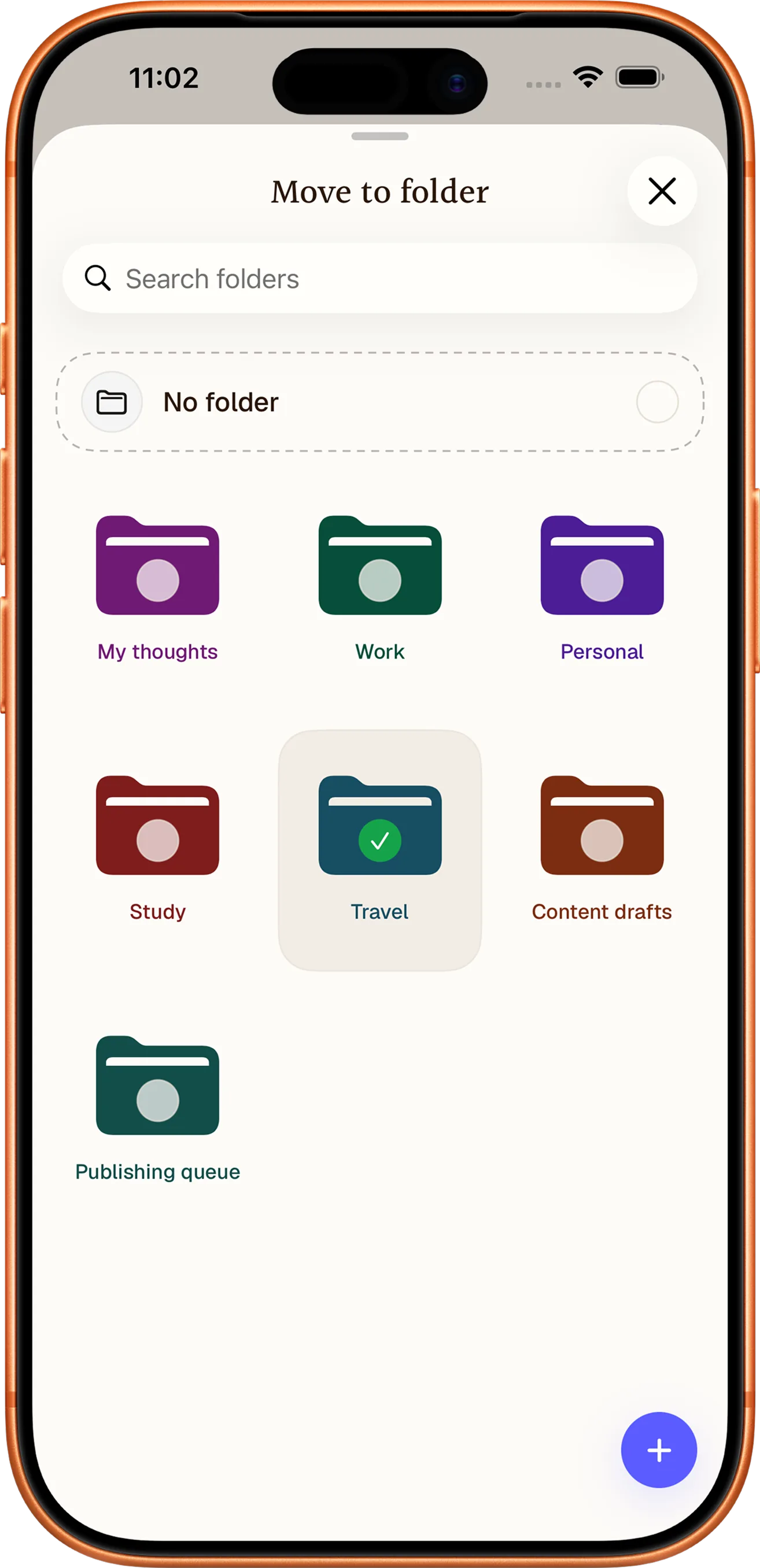
Keep notes organized
Move notes into color-coded folders so projects, study, travel, and drafts stay easy to find.
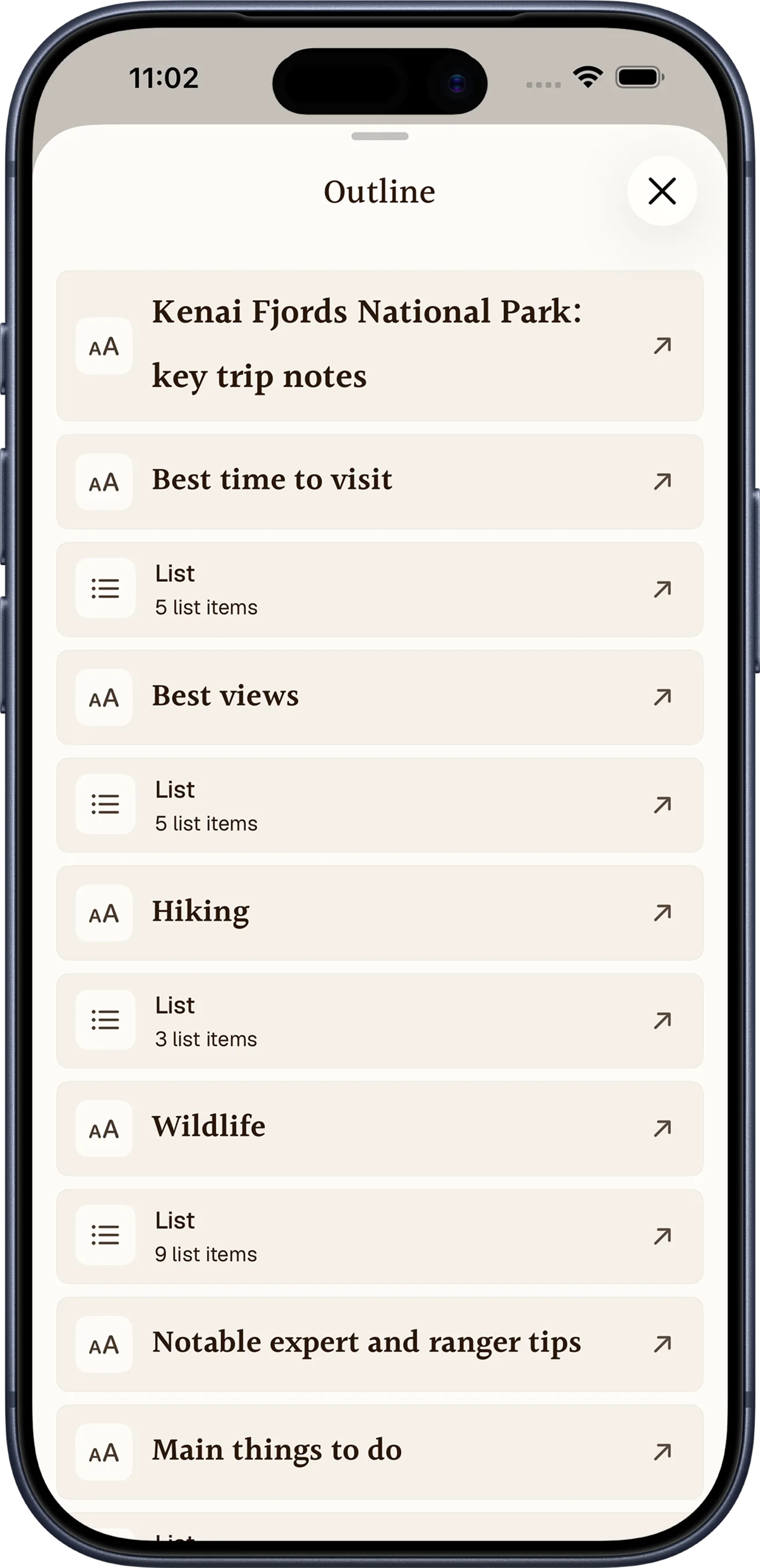
Jump through long notes
Use an automatic outline to move between headings, lists, and key sections without endless scrolling.
Writing styles
Same source. Different writing styles.
Choose a built-in style or save your own. Notewarp reshapes the structure, tone, and level of detail while keeping the original meaning close.
Rough voice note
“Great call with Maya. Um, I need to send the revised launch plan by Friday, ask Leo about final pricing, and set up another check-in on Tuesday. She’s worried about onboarding, so that needs to go in too.”
Pick the style you need
Hi Maya,
Great call today. I’ll send the revised launch plan by Friday, ask Leo about the final pricing, and set up another check-in on Tuesday.
I’ll also make sure to include the onboarding concerns, since that’s an important open point.
Notewarp keeps your original capture and turns it into a clear note you can edit, search, export, or share.
Notewarp AI notes
Source kept. Writing cleaned.How it works
From rough capture to ready note.
Capture the messy version, clean it into the shape you need, then keep the source and the useful note together.
Capture the thought
RecordRecord, upload audio, or paste text while the details are fresh.
Clean the note
ShapeRemove filler, preserve nuance, and pick the format that fits.
Use it anywhere
SaveAsk, search, edit, export, or share the note with its source close.
Why Notewarp
More than a plain transcript.
Notewarp keeps the source, cleaned writing, and useful outputs together so details stay searchable, editable, and ready to share.
Transcript-only tools
You get the raw words, then still have to remove filler, find the action items, organize context, and write the useful version yourself.
Notewarp
Notewarp keeps the transcript, cleaned writing, action items, tags, versions, exports, links, and shared pages in one note.
Clear notes from rough captures
Set it up
before your
next note.
Capture the raw thought now. Leave with a clear note, transcript, action items, drafts, tags, exports, and shareable context.
FAQ
Your questions answered.
Everything you need to know about the free preview, subscriptions, the web app, iPhone, iPad, Mac, captures, cleaned notes, writing styles, organization, exports, sharing, billing, and privacy.
Featured on